
Reference
Operations
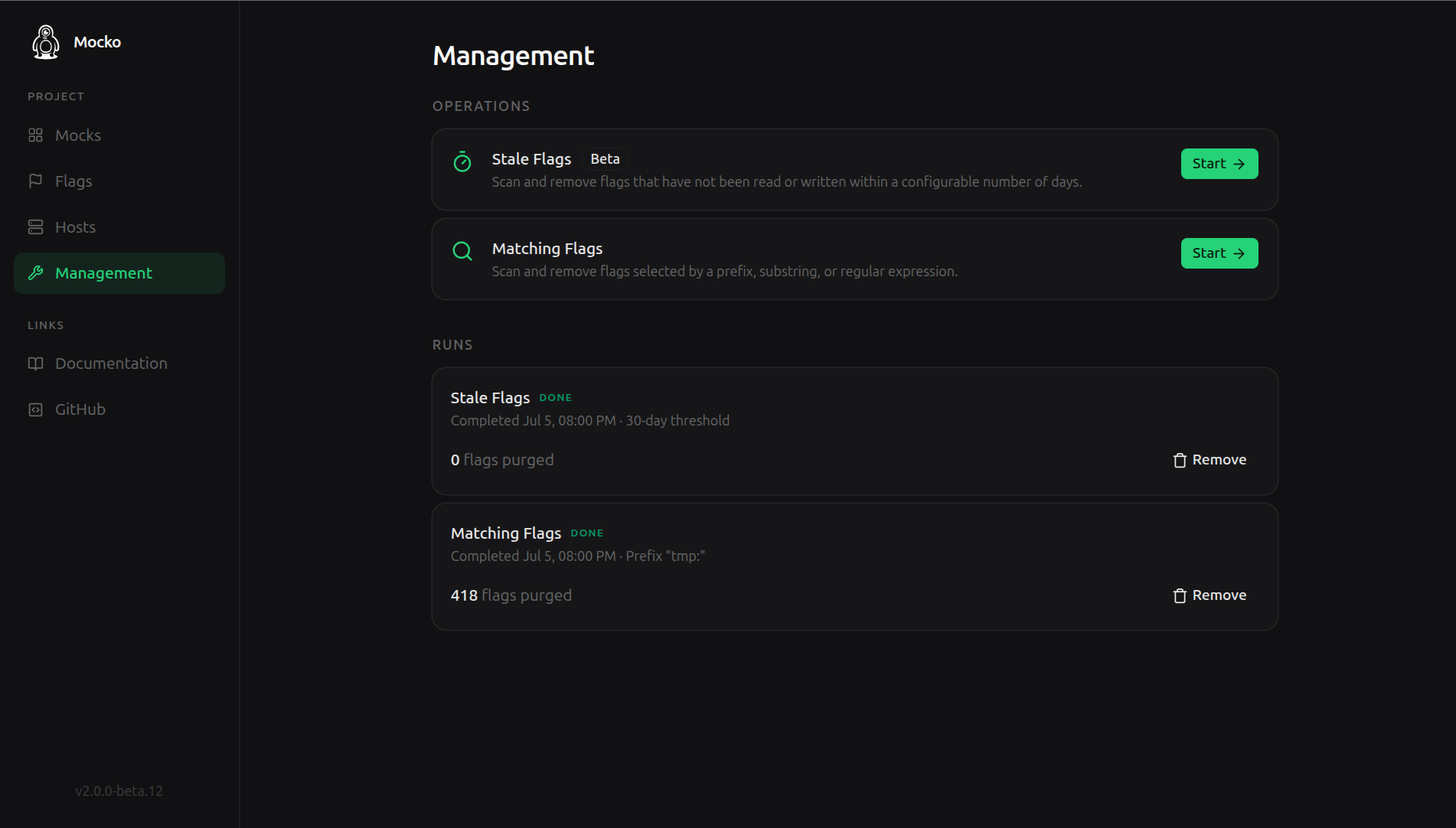
Long-lived Mocko instances accumulate flags: leftover test state, finished scenarios, keys nobody remembers. Operations are supervised bulk clean-ups on the control panel's Management page, built for instances with hundreds of thousands of flags.
How operations run
Every operation is a two-phase, tracked background job, so nothing is deleted blind:
- Scan: the operation counts what it would affect and reports back, for example "418 flags match".
- Execute: only after you confirm the preview does it modify anything, with progress reported as it runs.
Finished runs stay in the history on the same page, with their parameters and final counts.
Stale flags
Purges flags that have not been written for longer than a threshold, in seconds. This is the periodic hygiene operation: flags your mocks and tests still touch survive, abandoned ones go.
- Threshold in seconds, minimum 1. For "not touched in 30 days", that is
2592000. - The scan reports how many flags were checked and how many are stale before you commit to the purge.
Matching flags
Purges flags whose keys match a pattern, in one of three modes:
PREFIX: keys starting with the pattern, e.g.users:removes the whole users folder.CONTAINS: keys containing the pattern anywhere.REGEX: keys matching a regular expression, validated before the scan starts.
Typical uses: clearing one scenario's namespace after a test campaign, or removing keys from a retired mock without touching the rest.
Behavior details
- Scans and purges run in the background on the control panel; you can leave the page and the run continues, with status visible when you return.
- Deletions are permanent. The scan preview is the safety net, so read the counts before executing, especially with
CONTAINS. - Two more operation types exist for upgrading from Mocko v1; they are gated behind their own setting and documented in Migrating from v1.